

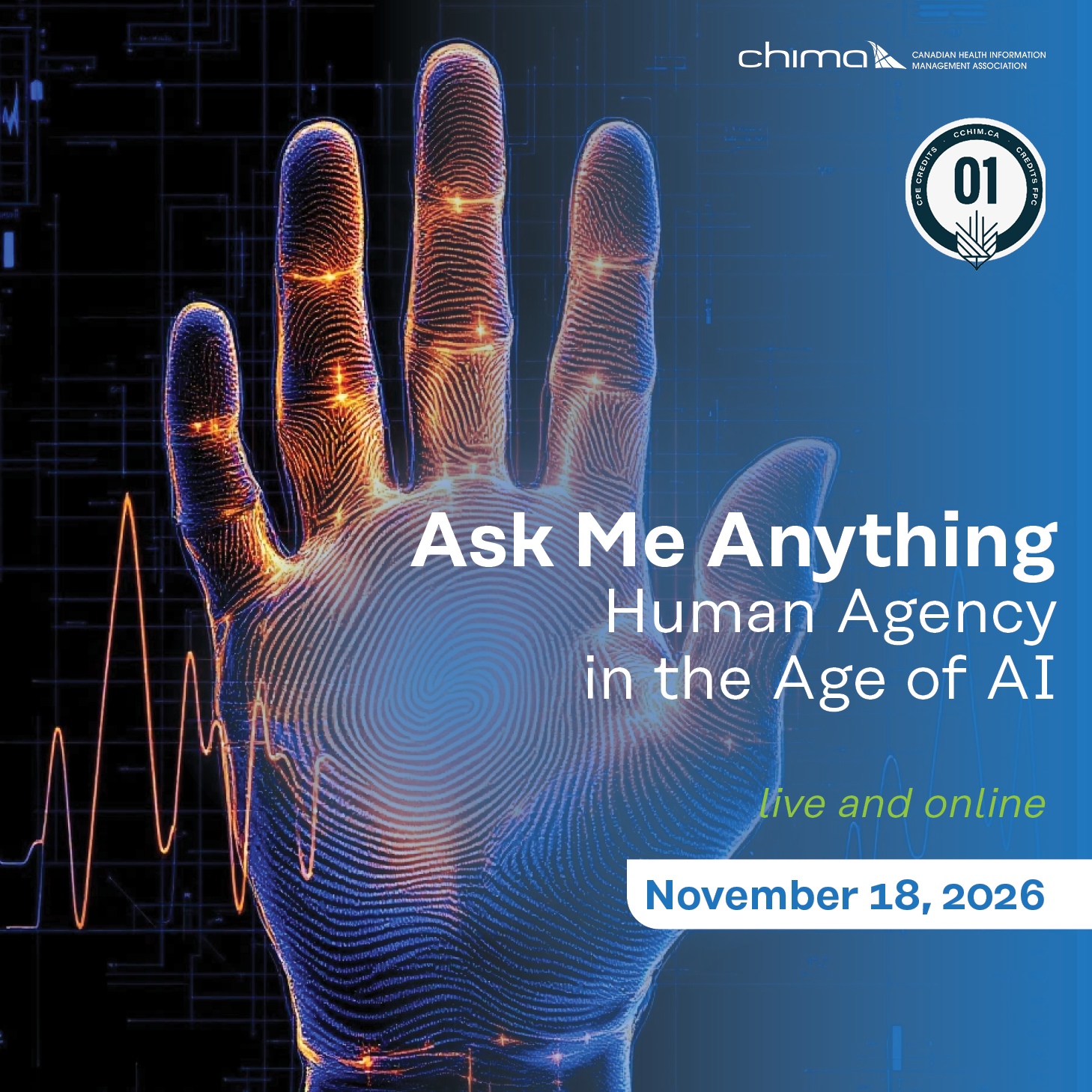
Ask Me Anything | Human Agency in the Age of AI

$30.00

Please join us on November 18, 2026 for the Ask Me Anything session on Human Agency in the Age of AI .

Join speaker, Alvina Nadeem, ing., PPCC, ProSci CP on the presentation about AI agents. Less often do we stop to think about our own agency while using them.

When Alvina Nadeem began using ChatGPT during a period of unexplained health changes in early 2023, the technology helped her organize information, see possible connections and develop questions she could take into her healthcare journey. Those questions became part of a chain of decisions that eventually led to an aggressive ovarian cancer being found at Stage 1.

In this webinar, Alvina will use that experience to explore a larger question: as AI becomes increasingly present in how we seek information and make decisions, how do we use these tools without quietly handing over our own judgment?

The conversation will look at curiosity, prompting, self-knowledge, uncertainty and the difference between asking AI to think for us and using it to help us think.

Professional members: Attending this event is worth 1 CPE credit with the Canadian College of Health Information Management. Please note that you will need to manually submit your CPE credit(s) afterwards.

IMPORTANT: For professional members to claim their CPE credits, they must be registered under their own account and join the event from their unique registration link. Those that attend the event using a unique Zoom link that has been shared with others will not be able to claim CPE credits.

-
+

Description

Members will now receive all Zoom links directly via email. Please ensure the email address associated with your CHIMA account is up to date and check your inbox (including your junk/spam folder) for the meeting link prior to the session.

For your convenience, you can access the “Join Link” included on the order receipt. Please follow these steps to access:

1. Sign in to your CHIMA account using the button at the top right of the home page

2. You will be automatically redirected to your dashboard and will notice your name appear in the top right corner of the website, confirming that you are signed in

3. Click into My account

4. Click into Orders

5. Click “View” for the order associated with the event.

6. Scroll down to “Webinar Registrant.” The Join Link will be visible beside each session.